Limited use license for Mplex.
Mplex is a commercial program and is not free. You have been provided a limited use license. Continued use of this program requires purchase of the product.
Video Tutorials
These get out of date quickly when we update and change the software - so sorry about that.
here are some from 2019:
1. How to install MPLEX
2. Quick Overview of MPLEX
6. Legendplex assay on Attune
New video showing general approach for Rat Cytokines (August 20, 2016)1. ( WMV 60 Megs) (MP4 file - 20 megs)
Part 1: General overview - (MP4)
Part 2: Explanation of the Cytokine measurement charts (MP4)
Part 3: How does AutoGate work and assay assignment (MP4)
Part 4: Reading files and data management (MP4)
Video Tutorials from Modena Conference
Example of 6-color analysis: 6 Color Data
Example of debarcoding CyTOF data: Opening and Debarcoding CyTOF
Example of multiplexed cytokine analysis: Cytokines
Example of gating high-throughput data and data extraction: High-throughput
Mplex software
Download the MPLEX software here
Download your MPLEX License here
Place this License file in the download directory or the software will not run
Sample DB files for Legendplex ----- RAT
----- HUMAN
(download these to your desired directory)
---------------------------------------
MPLEX Sample data sets:
Rat: - zipped directory of some of our data - download entire directory
HINT: if the data directory also contains an INFO directory, you can click on the USE DEFAULT on the top right hand screen and it will show you the completed analysis. This is helpful to understand how MPLEX works.
Download and unzip this directory "plate_023r_Attune" and open it in MPLEX. Then just click on "USES DEFAULTS" and see the results.
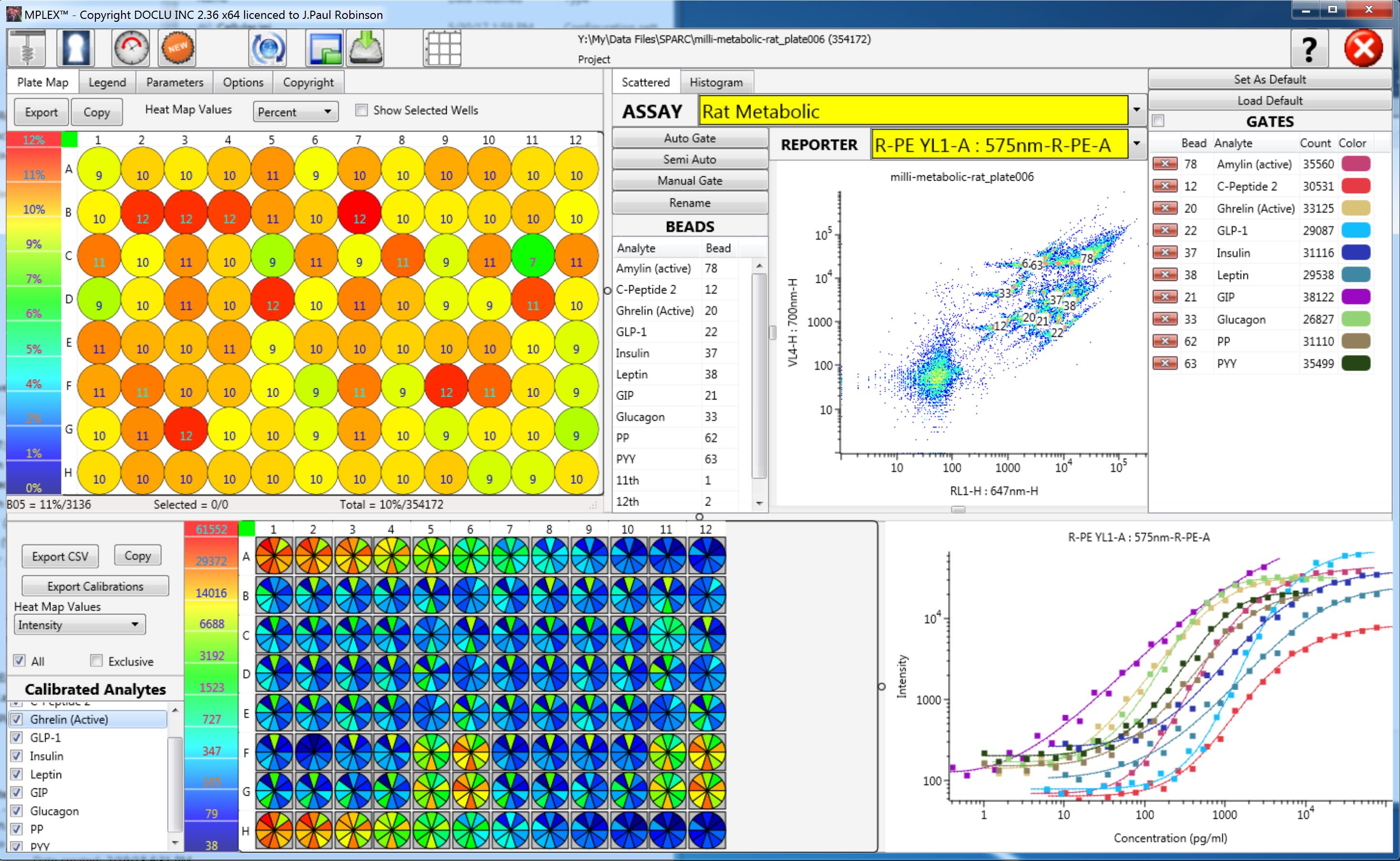
Here is a demonstration file with Luminex type beads and hormones using beads from Millipore. Same as above download and unzip the "millimetabololic-rat_plateoo6.zip" file and click on "USE DEFAULTS" top right to see the results as shown below.
PlateAnalyzer Software
Download the PLateAnalyzer software here use the latest version
Download you PA license here and put into PA directory
Place this License file in the download directory or the software will not run
There are more basic tutorials at our EDUCATION page, Tutorials. They may be helpful.
PlateAnalyzer Programs - there are three files - the main file is platAn.exe, there is an INI file which records your file history (and is only created when you first run the program), and your license file. All three files must be in the same directory. The INI file records your preferences, you past analysis and protocol lists and the layout of your screen. If you have serious problems with the software, you can delete the INI file and it will reset the software to default. You will only loose the history file - which you can easily recreate. The files are coded for your use only. You may use as many copies as you want for your lab use, on as many computers as you want, but they will all be coded with your name.
General page for Tutorials
PlateAnalyzer QUICK HELP Document (PDF)
Full Plate Examples for PlateAnalyzer
- Example plate 58 - 384 well plate with JC-1 (ZIP file unzip to use)
- Example plate 65 - 384 well plate with Redox (Zip file unzip to use)
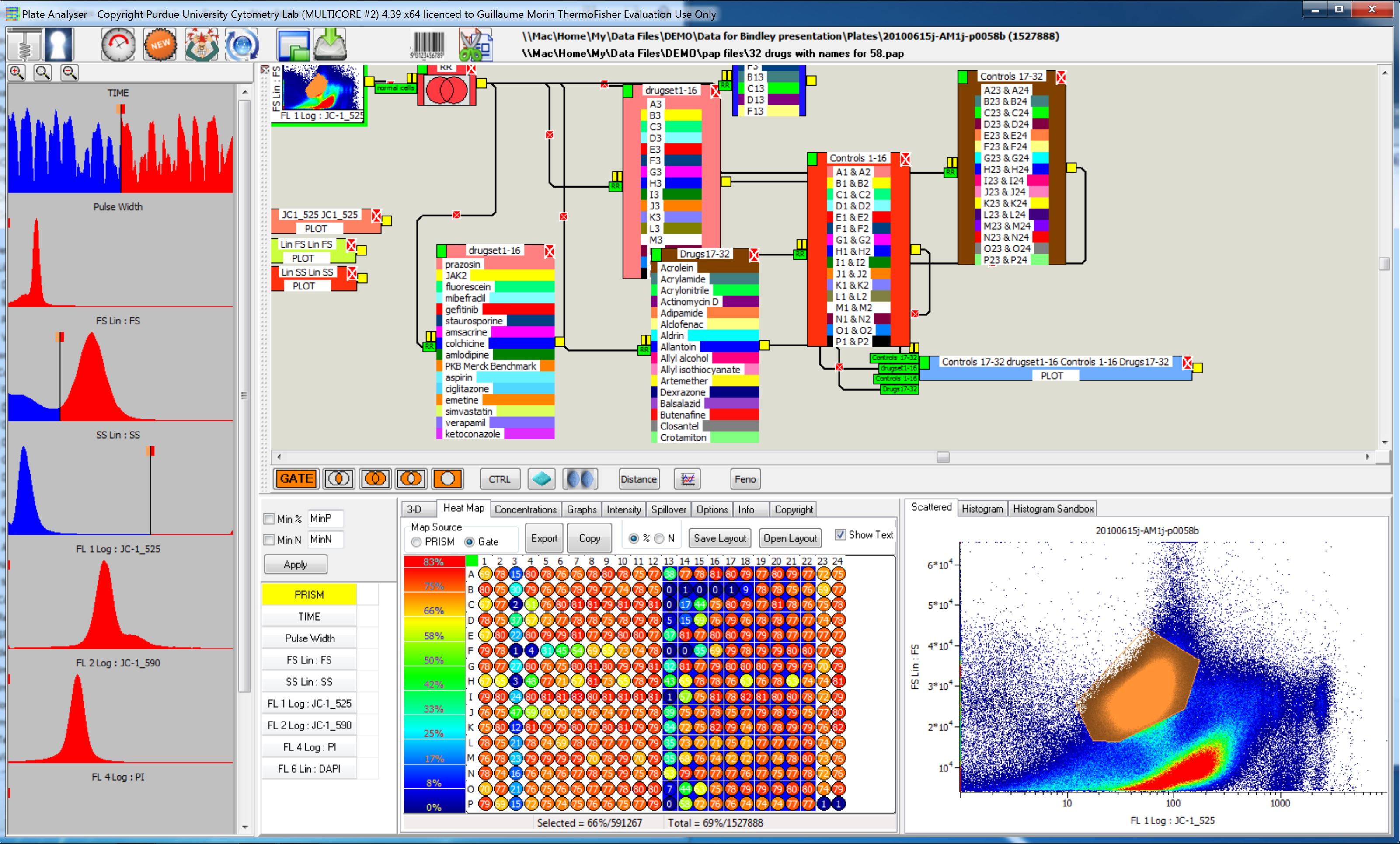
Below is a screen shot of plate 58
Parameter & Plate Layout Plate Analyzer
Example drug concentration CSV file (use for plates 58 & 65)
Example PAP file for Plate 58 (simple layout)
Example PAP file for Plate 58 (advanced layout)
Example PAP file for Plate 65 (advanced layout)
Example PAP file for Plate 65 (Very advanced layout) this layout shows how you can create an entire report in a single protocol to produce all 96 graphs.
PlateAnalyzer analyzing Apoptosis from various drugs- the following is a short video showing how PlateAnalyzer can directly show the dose response curves for the data. It should be noted, that the data file provided was not a great file as it appears that someone collected about 40 parameters for every cell...even tho there were only 3 or 4 used - so this made the file HUGE!!! and so it is horribly slow to load!!!
Analyzing apoptosis - caspase 96 well plate with 4 drugs using Attune data (from Jolene Bradford) (Mp4 file)
We also have Xploid - a semiautomated cell Cycle anaysis software and if you want to take a look at it, let me know and I will put a link HERE for you.
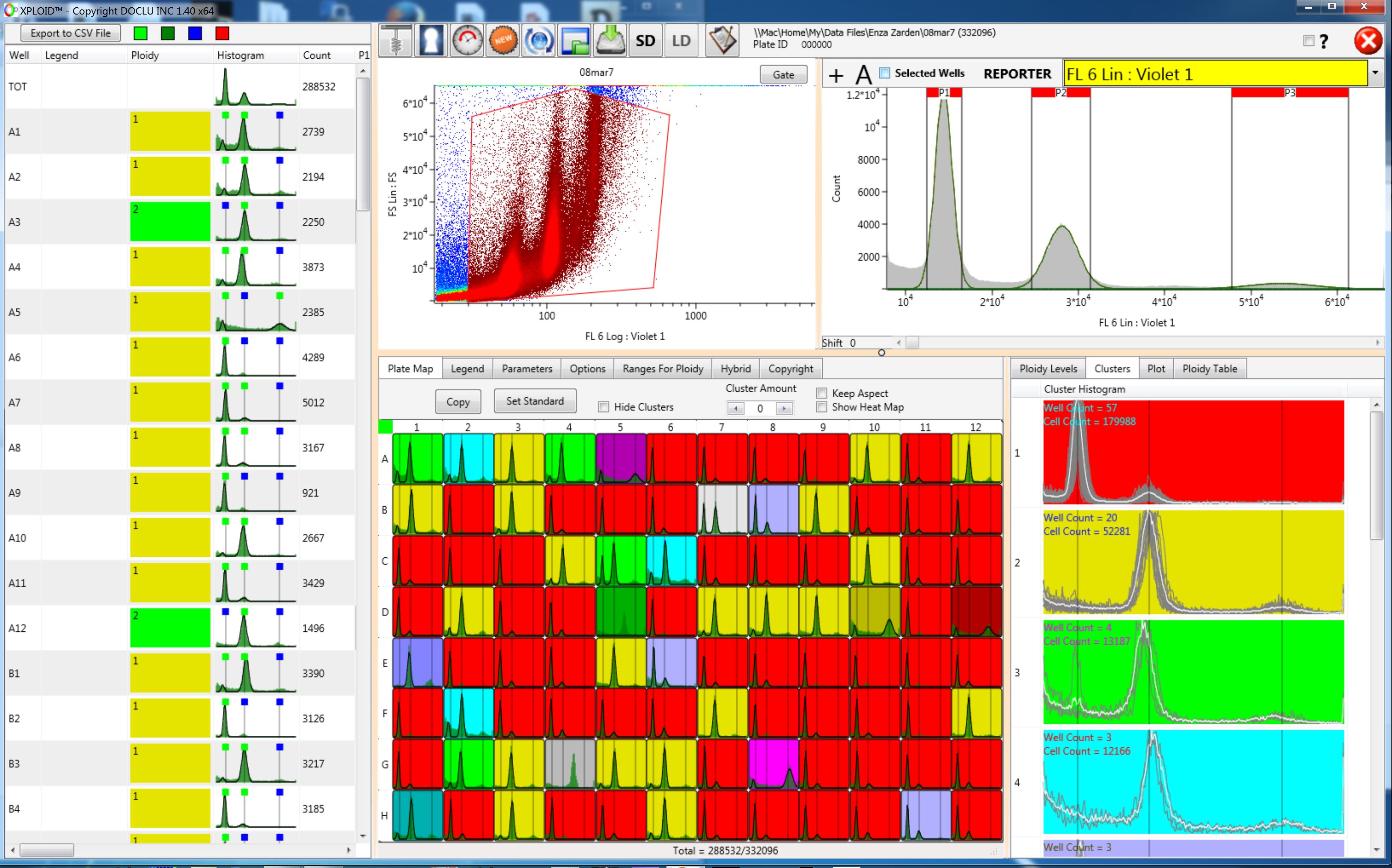
Here is an example of a 96 well plate automatically analyzed using Xploid